.png)
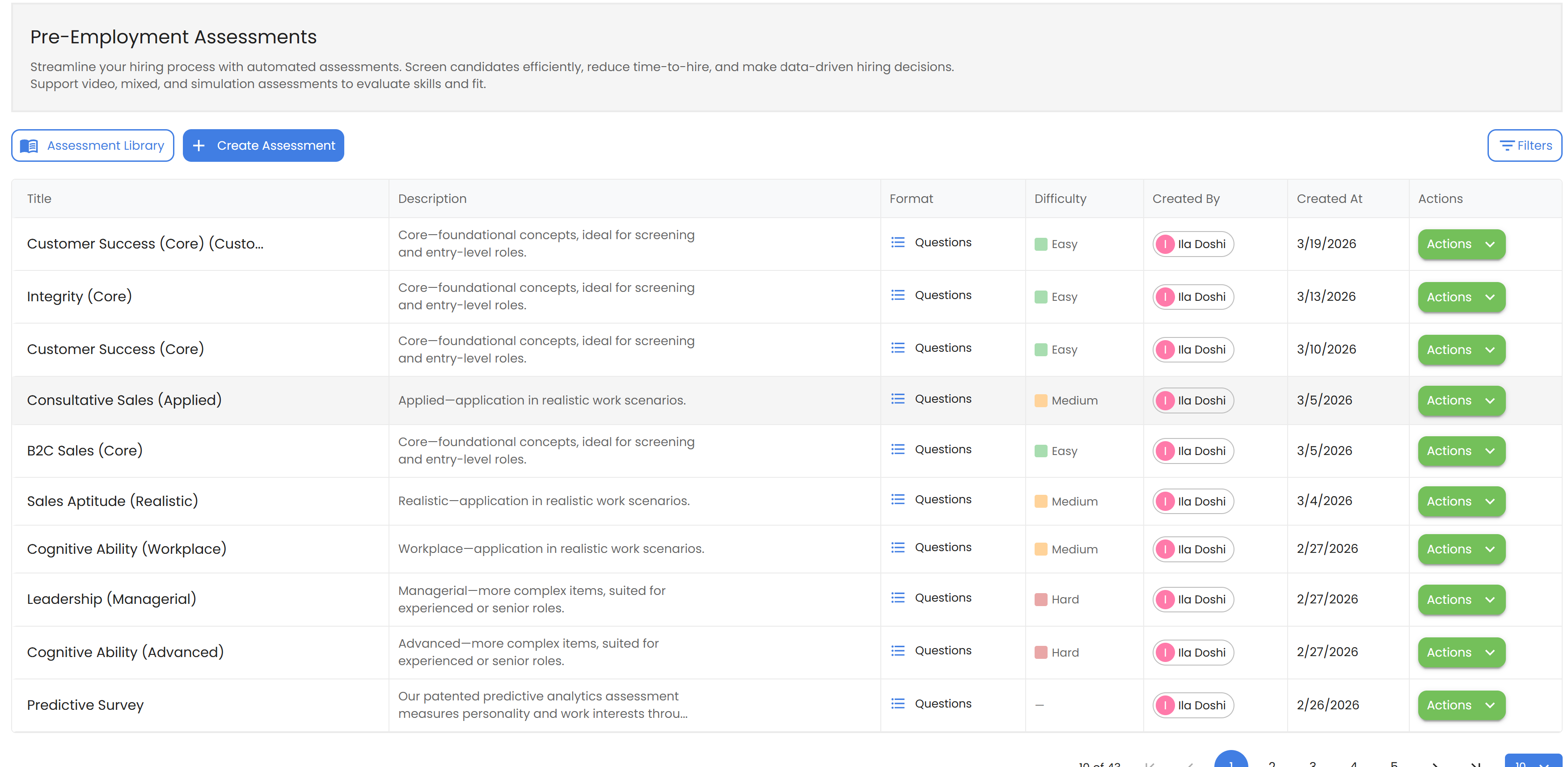
Track assessments assigned to candidates and review results. In the app, open Assessments → My Assessments.
https://app.smoothhiring.com/employer/settings/tools/assessments
How to Access Your Assessments
- Log in to your SmoothHiring account
- From the main navigation menu(Left side), click Assessments
- Select My Assessments
Related: Assessment Library | Assessment Insights | Video Assessments
Last updated 2 months ago
Was this helpful?